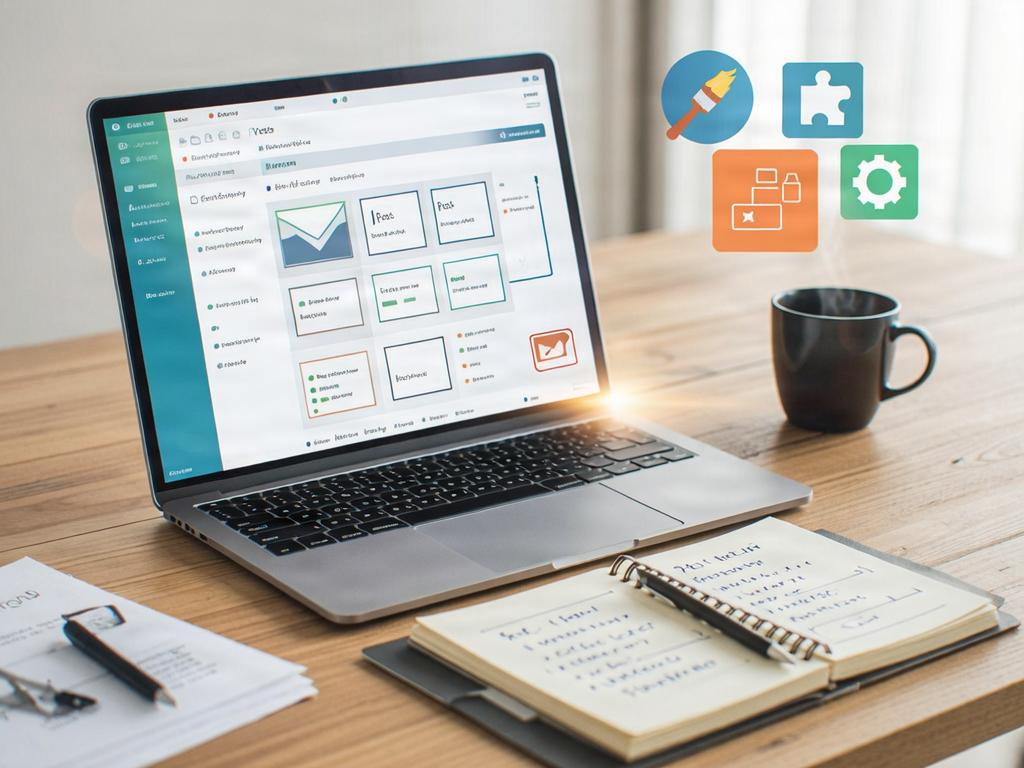
In today’s digital landscape, having a robust online presence is essential for any business. With over 40% of the web powered by it, WordPress has emerged as a leading content management system (CMS) for businesses of all sizes. This complete guide will walk you through the vital steps of WordPress website development, ensuring you create a site that not only represents your brand but is also user-friendly and optimized for search engines.
Understanding WordPress
WordPress began as a simple blogging platform but has evolved into a comprehensive CMS suitable for various types of websites. Before diving into development, it’s crucial to understand the two versions of WordPress:
- WordPress.com: A hosted solution where you can get started quickly without any technical knowledge. However, it comes with limitations on customization and monetization.
- WordPress.org: A self-hosted solution offering complete control and flexibility. This option is ideal for businesses looking to customize their websites extensively.
Planning Your WordPress Website
Careful planning is key to successful website development. Here are important steps to follow:
Define Your Goals
- Identify the purpose of your website (e.g., e-commerce, portfolio, blog).
- Determine your target audience.
- Outline key functionalities (e.g., contact forms, booking systems).
Research Competitors
Analyze your competitors to understand their online strategies. Take note of:
- Website design and layout.
- Content strategies and engagement methods.
- User experience and navigation.
Create a Sitemap
A sitemap helps organize your content and ensure a seamless user experience. Consider:
- Main pages: Home, About Us, Services, Blog, Contact.
- Subpages for each main page as necessary.
Setting Up Your WordPress Website
Once you’ve planned your website, it’s time to set it up. Follow these steps:
Select a Domain Name and Hosting Provider
Your domain name is your website’s address, while hosting empowers it. Here’s how to choose:
- Pick a domain name that reflects your brand and is easy to remember.
- Select a reliable hosting provider (e.g., Bluehost, SiteGround, or WP Engine) that supports WordPress.
Install WordPress
Most hosting providers offer one-click installations, making this step quick and efficient. Follow the instructions provided by your host to install WordPress.
Choose a Theme
The theme dictates the visual appearance of your website. To select the right one:
- Consider your brand’s identity and the type of content you will display.
- Explore both free and premium themes on the WordPress Theme Directory and third-party sites.
- Ensure that the theme is mobile-responsive and compatible with your desired plugins.
Customizing Your Website
Customization allows you to tailor your website to reflect your brand’s voice. Focus on these areas:
Create Quality Content
Content is the heart of your website. Follow these practices:
- Write engaging and informative blog posts.
- Use high-quality images and videos to enhance the user experience.
- Utilize SEO best practices to improve search engine rankings.
Utilize Plugins
Plugins extend the functionality of your WordPress site. Here are essential plugins to consider:
- Yoast SEO: Helps optimize your website for search engines.
- WooCommerce: Ideal for e-commerce websites.
- Contact Form 7: Enables easy creation of contact forms.
- Wordfence: Provides security features to protect your site.
Design and Layout Considerations
Ensure a user-friendly experience with these design tips:
- Use clear navigation menus.
- Avoid cluttered layouts and focus on whitespace.
- Incorporate calls-to-action (CTAs) to guide user behavior.
Launching Your Website
Before going live, perform thorough testing. Here’s a checklist:
- Check browser compatibility (Chrome, Firefox, Safari, etc.).
- Test responsiveness on different devices (mobile, tablet, desktop).
- Inspect loading speed and optimize images or scripts as necessary.
Post-Launch Optimization and Maintenance
After launching your website, continual optimization and maintenance are vital:
Monitor Performance
Use tools like Google Analytics to track visitor behavior and identify improvement areas.
Regular Updates
Keep WordPress, your theme, and plugins updated to ensure security and performance. Create a schedule for:
- Content updates (e.g., new blog posts).
- Plugin and theme updates.
- Backups (consider plugins like UpdraftPlus).
Engage with Your Audience
Utilize social media and email marketing to keep your audience engaged and informed about new content or services.
Conclusion
Building a WordPress website for your business may seem daunting, but with careful planning and execution, it can be a rewarding experience. Focus on quality content, user experience, and continual optimization to create a site that not only looks great but also drives results.